
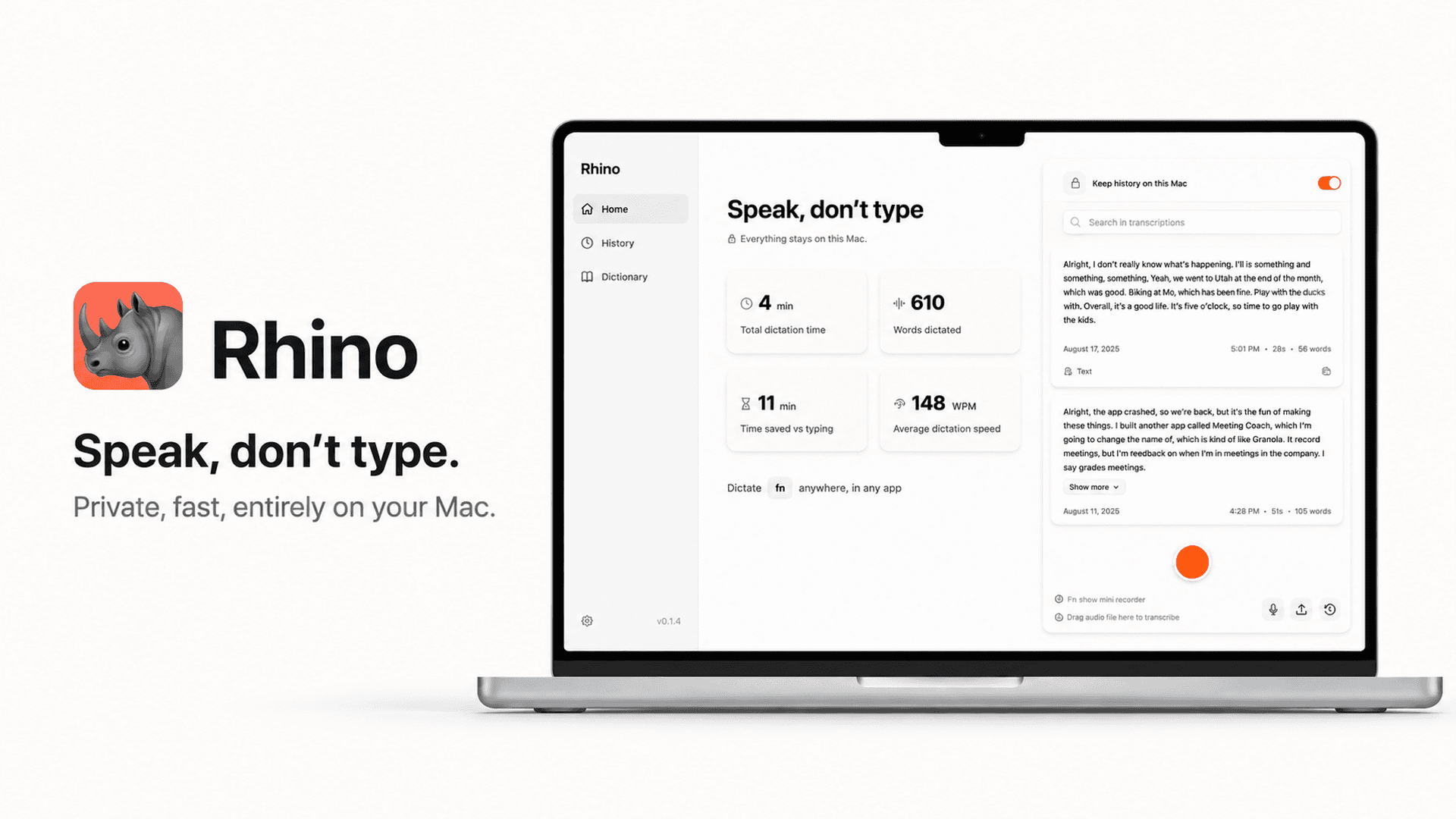
Rhino Voice offers a privacy-focused approach to dictation by processing all audio and AI cleanup locally on your Mac. If you require a tool that functions without an internet connection and keeps your data entirely off the cloud, this software provides a straightforward, account-free solution for any application that accepts text input.
Our Take on Rhino Voice
Rhino Voice is an excellent choice if your primary requirement is absolute data privacy and offline functionality. Because it runs entirely on-device without telemetry or accounts, it is ideal for secure environments. However, if you rely on complex cloud-synced AI features or cross-platform support, you should look elsewhere, as this tool is strictly limited to macOS 14 and later.
Who Should Use Rhino Voice
Professionals working with sensitive data who require a strictly offline dictation environment.
Mac users who want to integrate AI-assisted typing directly into existing apps like Slack, Notion, or terminal interfaces.
Key Advantages
Full offline capability allows for transcription and AI cleanup without an internet connection, ensuring consistent performance regardless of network status.
Privacy-first architecture ensures no audio or text data ever leaves your machine, supported by a no-login and no-telemetry policy.
Important Limitations
The software is exclusively compatible with macOS 14 or later, which limits its utility for users on older operating systems.
Customizing the tool for specialized jargon requires manual entry into a personal dictionary, which may be less efficient than cloud-based adaptive learning models.
Before You Purchase
Confirm your Mac is running macOS 14 or later before purchasing.
Check if your specific workflow requires cross-platform support, as this is a Mac-only application.
Verify that your typical use cases involve apps that accept standard typed text input.
Consider how frequently you need to add specialized industry terminology to the personal dictionary.
Questions about this find
Does Rhino Voice require an internet connection to function?
No. All transcription and AI cleanup processes run locally on your Mac, allowing the software to work perfectly even with Wi-Fi turned off.
Is my data stored in the cloud?
No. There is no account, no login, and no telemetry. All history is saved locally on your machine and can be deleted by you at any time.
Can I use Rhino Voice in any application?
Rhino Voice works with any application that accepts typed text, including common tools like Slack, Gmail, Notion, Xcode, and the terminal.
About this assessment
Our recommendation weighs the published details against likely buyer needs. It is based on source research, rather than personal testing. Confirm current pricing, availability and terms with the provider.
Read the current provider details.