
The useful starting point
LeadOcean is a data-only API designed for teams that already have a CRM or sequencing tool and need a reliable, high-volume source of contact information. Unlike all-in-one platforms that bundle data with outreach software, LeadOcean provides raw access to 693 million profiles without forcing you into a specific workflow.
Finds to explore with this guide
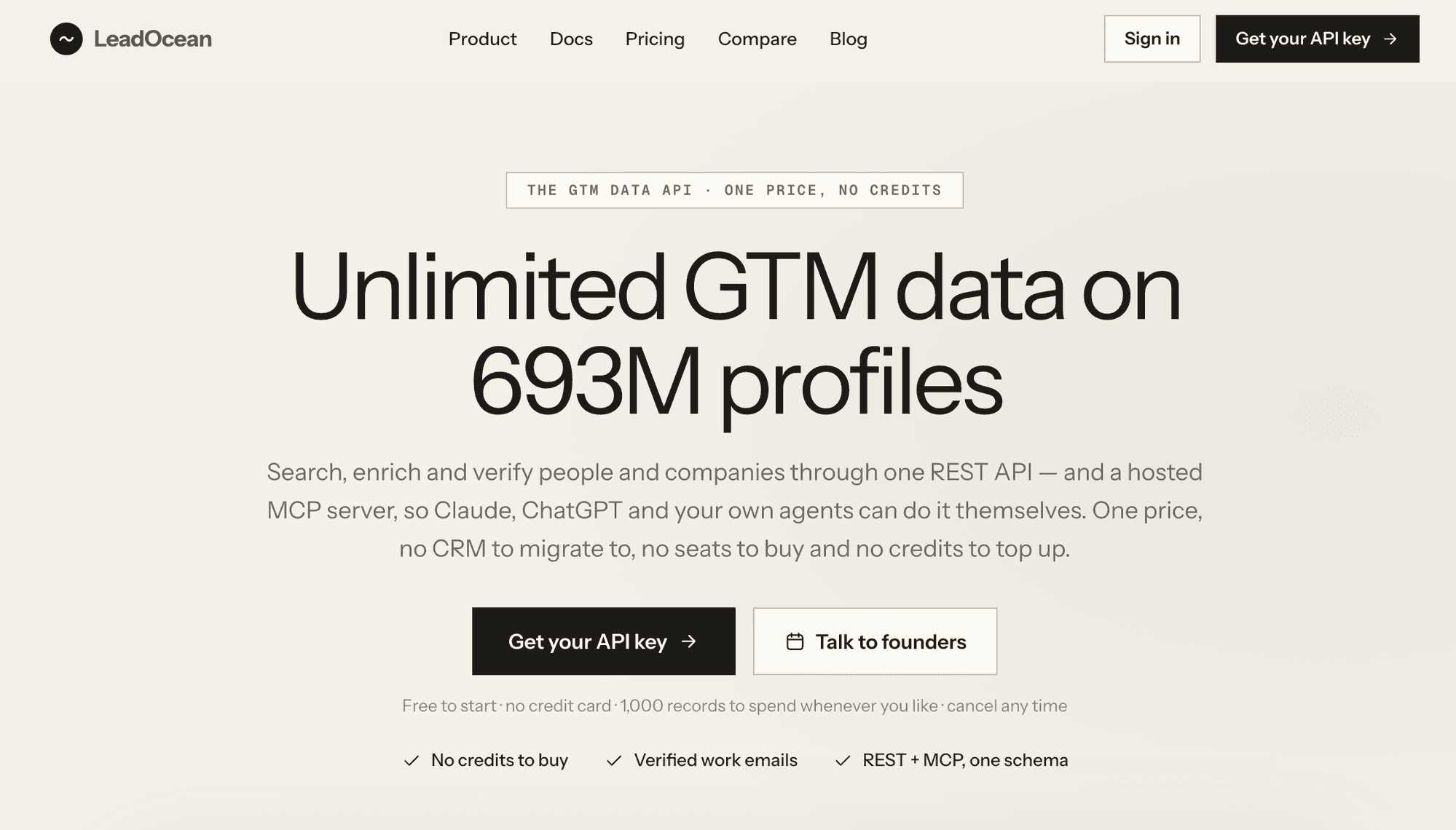
LeadOcean: Unlimited GTM Data API
LeadOcean provides a data-only API, distinguishing it from platforms that bundle data with CRM or sequencing tools. This makes it suitable for teams with established workflows and existing software. Buyers should verify how the stated rate limits and monthly resets align with their specific data consumption patterns.
$49Last recorded price View this find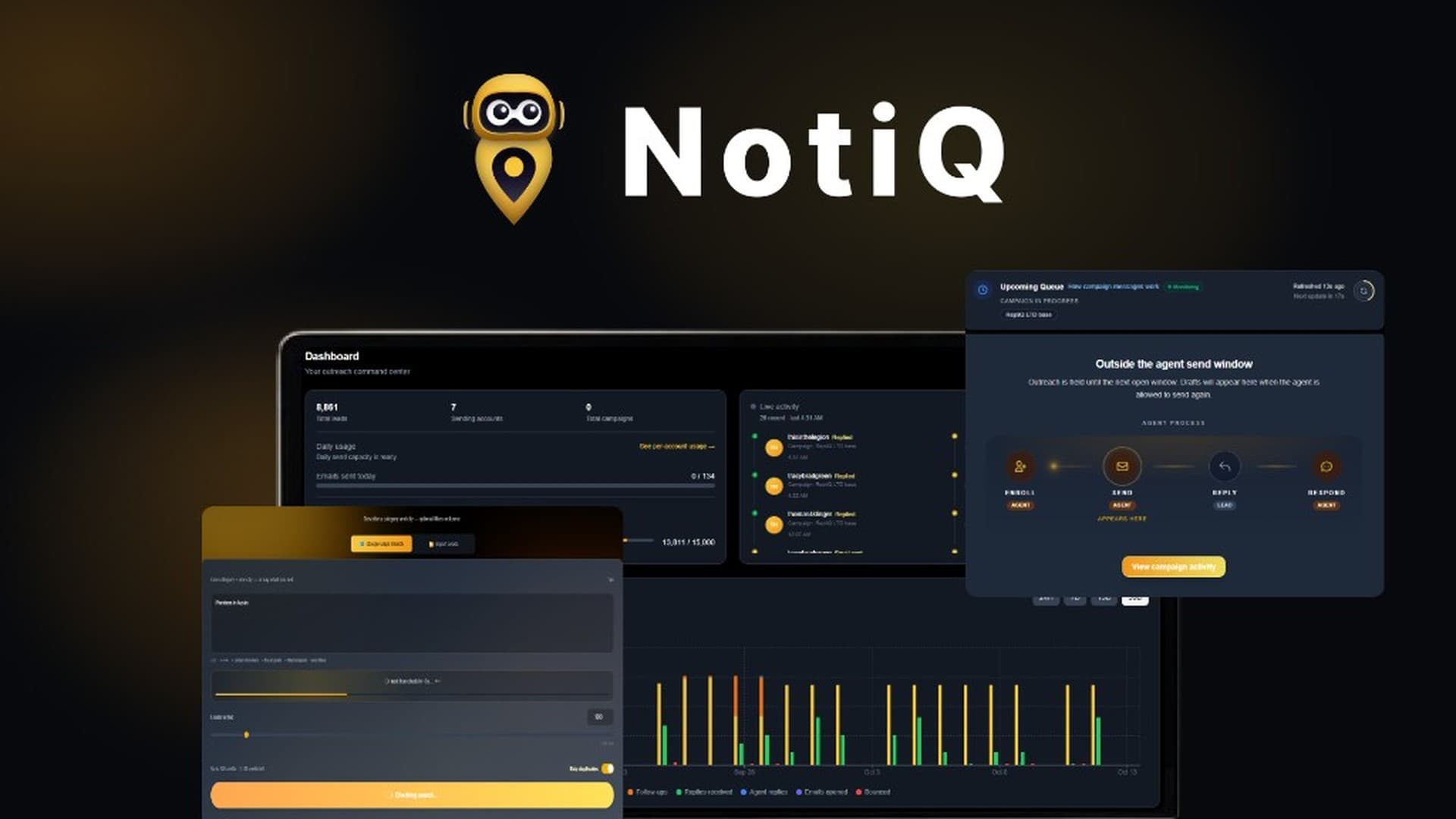
NotiQ: AI-Powered Local Lead Generation and Outreach
NotiQ is designed to automate the often-tedious initial steps of lead generation and outreach for local businesses, leveraging Google Maps for sourcing and AI for personalized email campaigns. This could significantly benefit agencies looking to scale their client acquisition without increasing manual labor. However, prospective buyers should carefully review the monthly credit limits for their chosen tier and confirm if API/MCP access is essential for their workflow, as it is restricted to higher tiers.
$69Last recorded price View this findUnderstanding the LeadOcean Buying Guide Approach
When evaluating lead generation tools, the primary decision point is whether you need a complete ecosystem or a specialized data source. LeadOcean occupies the latter category. It is strictly a data provider, offering access to 693 million people and 63 million companies. This makes it an ideal choice for organizations that have already invested in a CRM, email sequencer, or data warehouse and simply need to feed those systems with high-quality, verified contact details. By separating the data layer from the execution layer, LeadOcean avoids the common pitfall of 'platform lock-in' where you are forced to use a specific, potentially inferior, outreach tool just to access the vendor's database. If your current workflow is already optimized, adding LeadOcean allows you to scale your data intake without disrupting your existing processes.
LeadOcean vs. All-in-One Platforms
To decide if LeadOcean is the right fit, compare it against platforms like NotiQ, which bundle lead sourcing with AI-driven outreach and inbox management. The following table highlights the core differences based on current specifications: | Feature | LeadOcean | NotiQ | | :--- | :--- | :--- | | Primary Function | Raw Data API | Lead Gen & Outreach Automation | | Data Source | 20+ Licensed/Proprietary | Google Maps | | CRM/Sequencer | Not Included (BYO) | Included | | Best For | Data-heavy workflows | Local business outreach | | API/MCP Access | Included | Tier 3+ only | If you are an agency targeting local businesses via Google Maps, NotiQ provides an end-to-end solution that handles the outreach for you. However, if you are a data-driven team that needs to pull massive lists into a custom warehouse or a specialized CRM, LeadOcean’s API-first approach provides the flexibility and volume that bundled platforms often restrict.
Key Technical Specifications and Limits
LeadOcean operates on a tier-based system that dictates your search and enrichment volume. It is crucial to understand that these limits are not just arbitrary numbers; they define your operational capacity. Tiers 1 through 4 reset every 5 hours, while Tier 5 offers a daily reset for enrichments and a monthly reset for searches. A critical differentiator is the 'fair-use' pace: while you have high weekly caps, hitting a limit does not stop your API key. Instead, it slows down your requests until the window resets, ensuring your automated systems do not crash. Before purchasing, calculate your expected daily volume. If you require more than 15,000 phone reveals per month, you must look at the higher tiers. Remember that unused limits do not roll over, so choose a tier that matches your consistent monthly consumption rather than your peak spikes.
Decision Worksheet for Lead Generation
Use this checklist to determine if LeadOcean is the correct tool for your business needs: 1. Do you currently have a CRM or sequencing tool you are happy with? (If yes, LeadOcean is a strong candidate). 2. Do you require raw data access via API or MCP for tools like Claude or ChatGPT? (LeadOcean supports this natively). 3. Is your primary lead source Google Maps? (If yes, consider NotiQ instead). 4. Do you need to avoid 'per-credit' pricing models? (LeadOcean offers a fixed allowance for life). 5. Can your team handle the technical integration of an API? (If you need a 'click-and-send' interface, this tool may be too technical). If you answered 'Yes' to the majority of these, LeadOcean provides the necessary infrastructure to scale your data acquisition without the recurring costs of credit-based platforms.
Actionable Questions for the Retailer
Before finalizing your purchase, consider asking the following questions to ensure the tool aligns with your long-term strategy: 'How does the API handle concurrent requests during peak usage hours?' 'Can I easily upgrade my tier if my data requirements grow mid-month?' 'Are there specific industries or regions where the data density is lower, and how does the system handle those gaps?' 'Does the MCP connector support the specific version of the AI tools I am currently using?' These questions will help you clarify the practical limitations of the API and ensure that your technical team is prepared for the integration. Since LeadOcean provides a 60-day refund window, use this time to test the API response times against your most critical data queries to confirm it meets your performance benchmarks.
A useful next step

Sources and scope
Primary sources consulted on 31 October 2026 . Specific sourced facts are attributed in the guide; the shopping worksheets are our own. Details can change, so confirm the terms for your purchase.
Any calculation examples are illustrative, rather than live prices. Check the retailer’s current price, availability and terms.
Suggest a factual correction →