The useful starting point
Headroom is a desktop application that acts as a local proxy to compress tool output, logs, and boilerplate before they reach Claude Code or ChatGPT Codex, aiming to reduce token usage by typically 25-50%. It runs on Mac, Windows, and Linux, and is designed for developers using AI coding agents that operate on their local machine.
Finds to explore with this guide
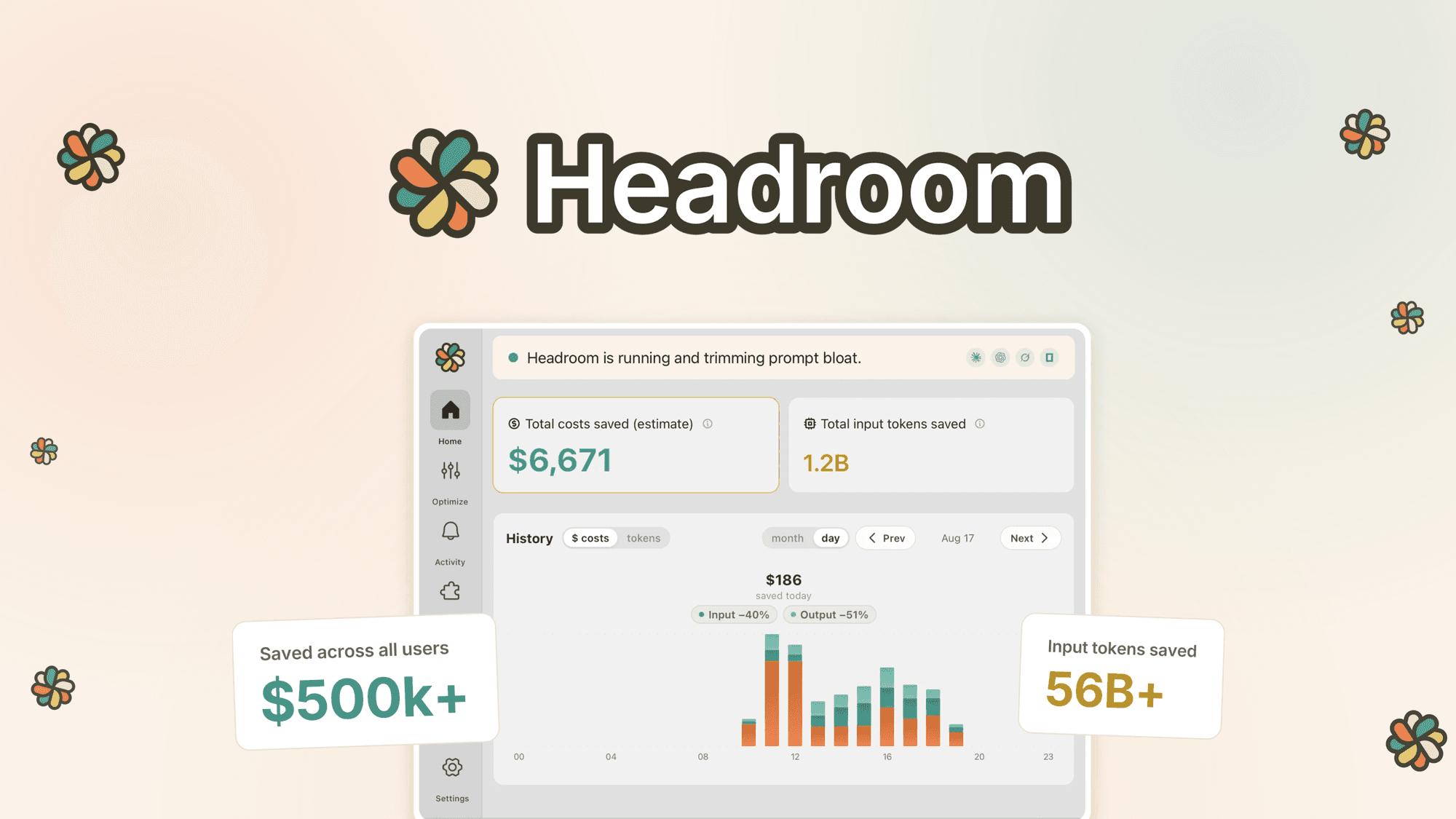
Headroom: Local AI Token Compression for Developers
Headroom operates as a local proxy, performing all compression on-device before data reaches Claude Code or ChatGPT. This design choice means prompts and code are not sent to Headroom servers, which may appeal to users with data privacy concerns. However, it's crucial to verify compatibility with your specific coding agent and AI plan tier before purchase.
See retailer details View this find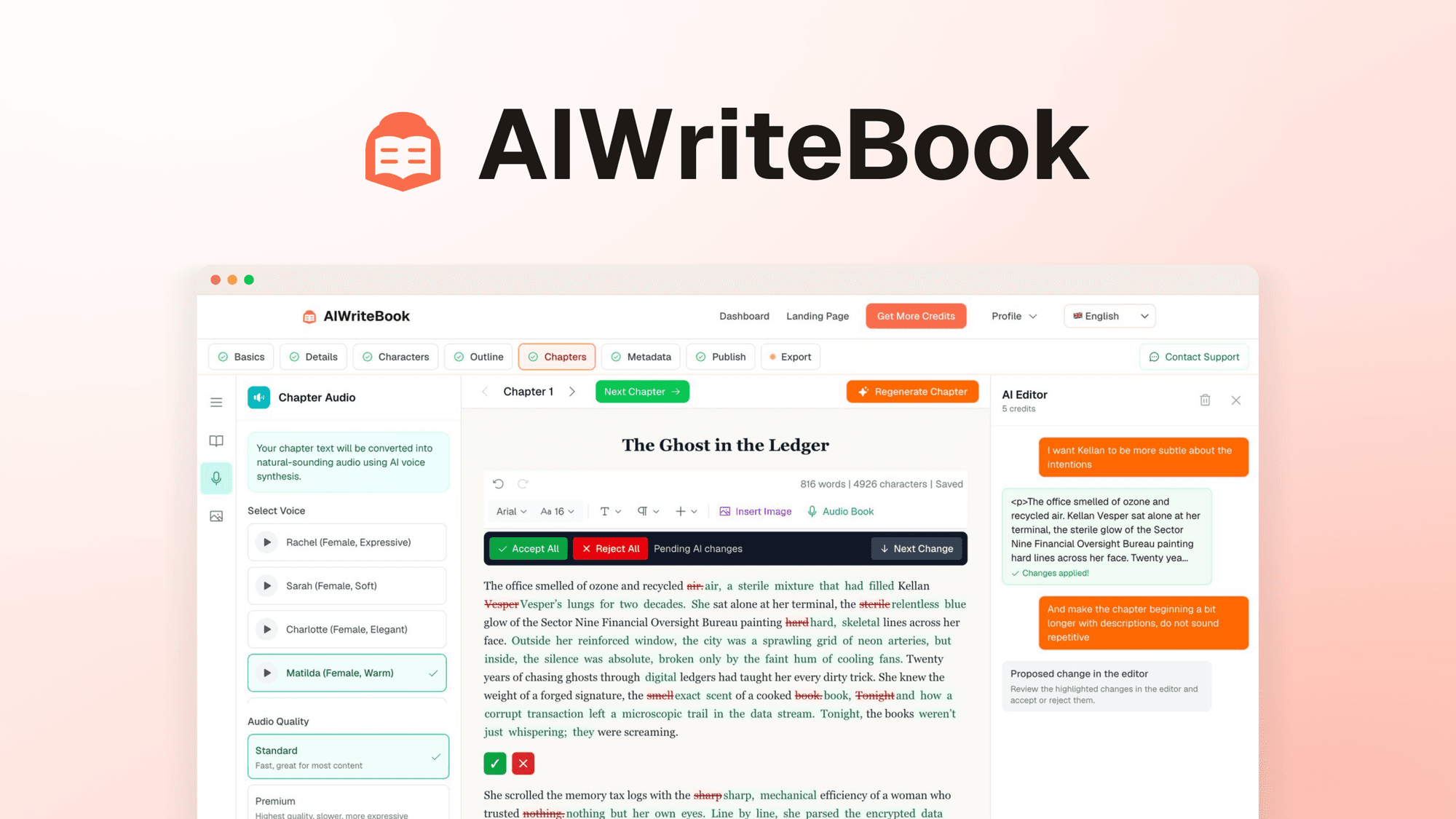
AIWriteBook: A Comprehensive Authoring Suite
AIWriteBook offers a structured curriculum-like approach to book creation, which is particularly useful for authors who need guidance on formatting for platforms like KDP or IngramSpark. However, users should note that the credit-based system for specific actions like cover generation or chapter writing means costs can scale based on usage volume.
See retailer details View this find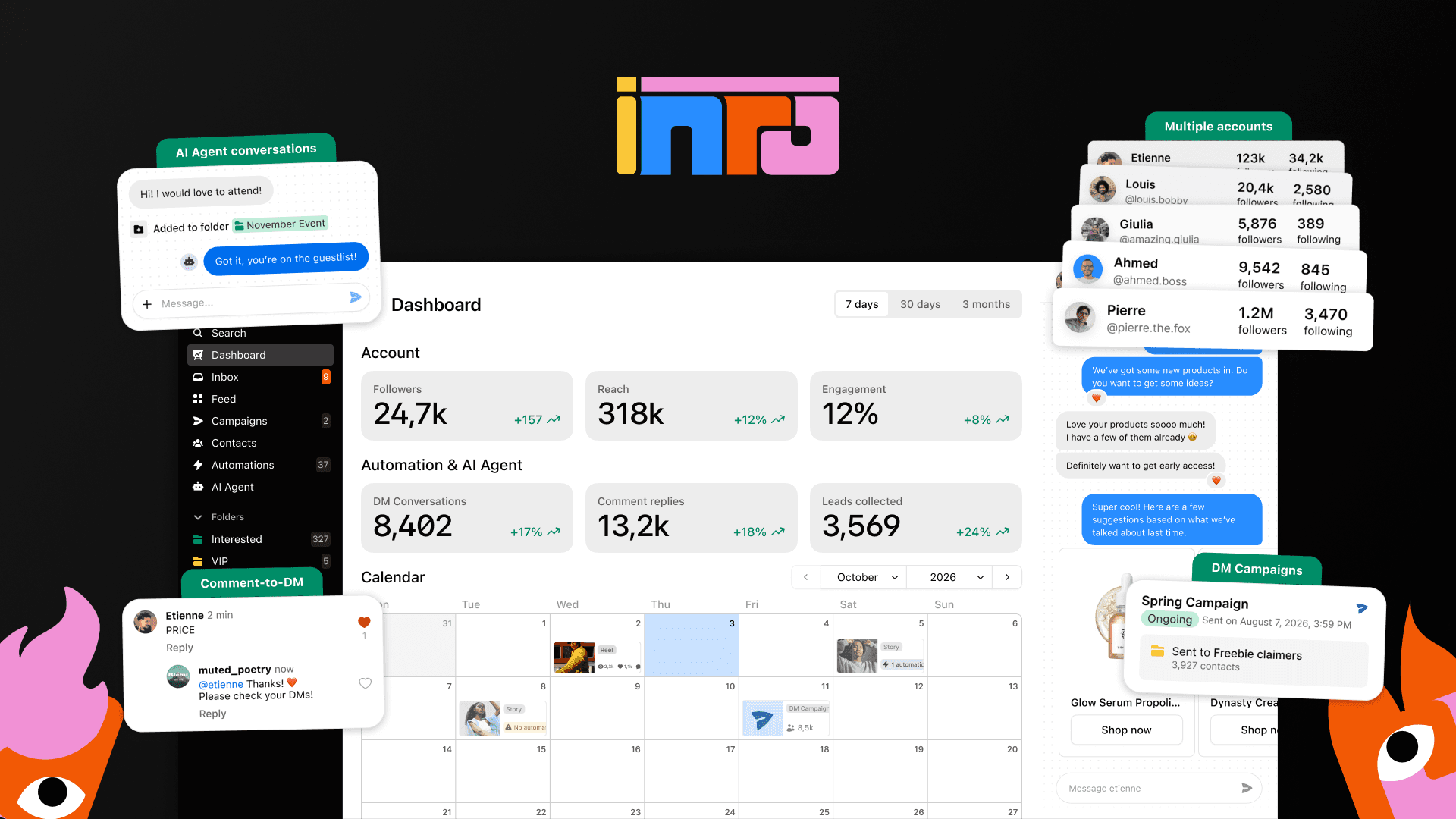
Inrō: AI Instagram DM and Comment Automation
Inrō is a Meta-approved Tech Provider, operating on Meta's official API, which is a significant detail for Instagram automation tools. This reduces the ban risk associated with tools that bypass the API. It is designed for Instagram Business or Creator accounts and supports BYOK (Bring Your Own Key) for OpenAI on Tiers 2-5, allowing users to manage their own AI credit usage.
See retailer details View this findUnderstanding Headroom: What It Does and Who It's For
Headroom is a utility designed to help developers manage and reduce their token consumption when working with AI coding assistants like Claude Code and ChatGPT Codex. It functions as a menu-bar desktop app, built on the open-source Headroom CLI, that runs a local proxy. This proxy reversibly compresses various elements such as tool output, logs, and boilerplate code before they are sent to your AI model. The primary benefit is a reduction in token usage, with typical savings ranging from 25% to 50%, and potentially up to 80% on certain tasks. This means you can get more out of your existing AI plan without altering the model's output. Crucially, all optimisation processes occur locally on your machine, meaning prompts and code are not transmitted to Headroom's servers, which may be a significant factor for users concerned about data privacy. Headroom is compatible with Claude Code in any terminal, the Claude Code extension in VS Code, Cursor, Windsurf, and JetBrains, as well as ChatGPT Codex via the CLI, IDE extension, and the ChatGPT desktop app. It also supports tools like OpenCode, Grok Build (beta), and others with custom base URL settings such as Pi, Cline, Roo Code, and Aider. It's important to note that Headroom works with coding agents that run on your own computer; it does not intercept requests from the Claude desktop app, Claude.ai in the browser, ChatGPT chat, Perplexity, or cloud agents like Replit. Non-coding tasks performed within Claude Code or Codex, such as research or writing, are also covered by Headroom's optimisation.
Key Strengths: Why Headroom Could Be a Smart Choice
One of Headroom's most compelling strengths is its local operation. The entire compression and optimisation process happens on your device, with prompts and code never being sent to Headroom servers. This on-device processing is a significant advantage for users with strict data privacy requirements or those working with sensitive codebases. The potential for substantial token savings, typically between 25% and 50%, directly translates to more efficient use of your AI plan, allowing you to perform more coding tasks within the same budget or subscription tier. Headroom's broad compatibility with various AI coding environments, including Claude Code and ChatGPT Codex across multiple IDEs and tools, makes it a versatile addition to a developer's toolkit. It supports macOS, Windows, and Linux, ensuring accessibility for a wide range of users. The setup process is designed to be straightforward; the app automatically reads your AI plan from your signed-in Claude and ChatGPT accounts and adapts to plan changes without manual configuration. This ease of integration minimises friction and allows developers to focus on their work rather than managing settings. Furthermore, Headroom connects to Claude Code as a first-class connector and supports OpenAI Codex, enabling optimisation across both major AI coding platforms. The app also provides a 14-day full optimisation period before a weekly usage limit applies, giving users time to assess its value before committing to an upgrade.
Trade-offs and Considerations Before You Buy
While Headroom offers clear benefits, there are several trade-offs and considerations to evaluate. Firstly, Headroom requires an existing paid AI plan, such as Claude Pro or Max, a ChatGPT plan that includes Codex, or an Anthropic or OpenAI API key. It does not work with free Claude accounts. This means it's an enhancement for existing paid users, not a solution for those on free tiers. Secondly, its effectiveness can vary. While savings typically range from 25-50%, and can reach 80%, the actual performance depends on factors like programming language, coding style, data intensity of your work, and the specific coding agent and model used. This variability means that while significant savings are possible, they are not guaranteed to be consistent across all workflows. Thirdly, Headroom is specifically designed for coding agents that run locally on your computer. It explicitly does not work with cloud-based agents or direct interactions with web interfaces like Claude.ai, ChatGPT chat, or Perplexity. This limitation means if your primary AI interaction is through these platforms, Headroom will not provide any benefit. Additionally, while it supports extensions in Cursor and Windsurf, it does not work with their built-in agents and models, including Devin. Finally, the licensing tiers for Headroom are tied to your highest AI plan. For example, Claude Pro or ChatGPT Plus users would typically align with Tier 1 or 2, while higher plans like Claude Max x20 or ChatGPT Pro require Tier 4. Ensuring you select the correct tier to match your AI subscription is essential to maximise its utility and avoid unexpected limitations.
Is Headroom Right for Your AI Coding Workflow? A Decision Worksheet
To determine if Headroom is the right tool for your AI coding workflow, consider the following questions:
- Do you use a paid AI coding plan? (e.g., Claude Pro/Max, ChatGPT with Codex, Anthropic/OpenAI API key) Headroom requires an active paid subscription to function. If not, Headroom is not suitable.
- Do your AI coding agents run locally on your computer? Headroom is designed for local proxies and will not work with cloud-based AI agents or direct web interfaces (e.g., Claude.ai, ChatGPT chat, Perplexity). If your primary interaction is cloud-based, Headroom won't help.
- Are you looking to reduce token usage for Claude Code or ChatGPT Codex? Headroom specifically targets these platforms for compression. If you use other AI coding tools exclusively, Headroom may not be relevant.
- Are data privacy and local processing important to you? Headroom performs all compression on-device, ensuring your prompts and code are not sent to external servers. If this is a priority, Headroom offers a strong advantage.
- Are you comfortable with variable token savings? While Headroom promises significant reductions, the exact percentage can fluctuate based on your coding style, language, and project complexity. Are you prepared for this variability?
- Do you use macOS, Windows, or Linux? Headroom provides desktop builds for all three operating systems. If you use a different OS, it will not be compatible.
- Do you use IDE extensions for Claude Code or Codex (e.g., VS Code, Cursor, Windsurf, JetBrains)? Headroom integrates with these extensions, but note it doesn't work with Cursor's or Windsurf's own built-in agents.
If you answered 'yes' to questions 1, 2, 3, and 7, and 'yes' to 4 or 5 depending on your priorities, Headroom is likely a strong candidate for optimising your AI coding expenses and workflow.
Curator's Note: Data Privacy and Compatibility Checks
Headroom operates as a local proxy, performing all compression on-device before data reaches Claude Code or ChatGPT. This design choice means prompts and code are not sent to Headroom servers, which may appeal to users with data privacy concerns. However, it's crucial to verify compatibility with your specific coding agent and AI plan tier before purchase. Ensure your AI plan (e.g., Claude Pro, ChatGPT Plus with Codex) aligns with Headroom's tier requirements to avoid any limitations. Also, confirm that your coding environment and tools are among those supported for local proxy integration, as it does not work with cloud-based AI services or certain built-in agents.
A useful next step

Sources and scope
Primary sources consulted on 9 November 2026 . Specific sourced facts are attributed in the guide; the shopping worksheets are our own. Details can change, so confirm the terms for your purchase.
Research sourceHeadroom: HeadroomView sourceResearch sourceAIWriteBook: AIWriteBookView sourceResearch sourceInrō: InrōView sourceAny calculation examples are illustrative, rather than live prices. Check the retailer’s current price, availability and terms.
Suggest a factual correction →