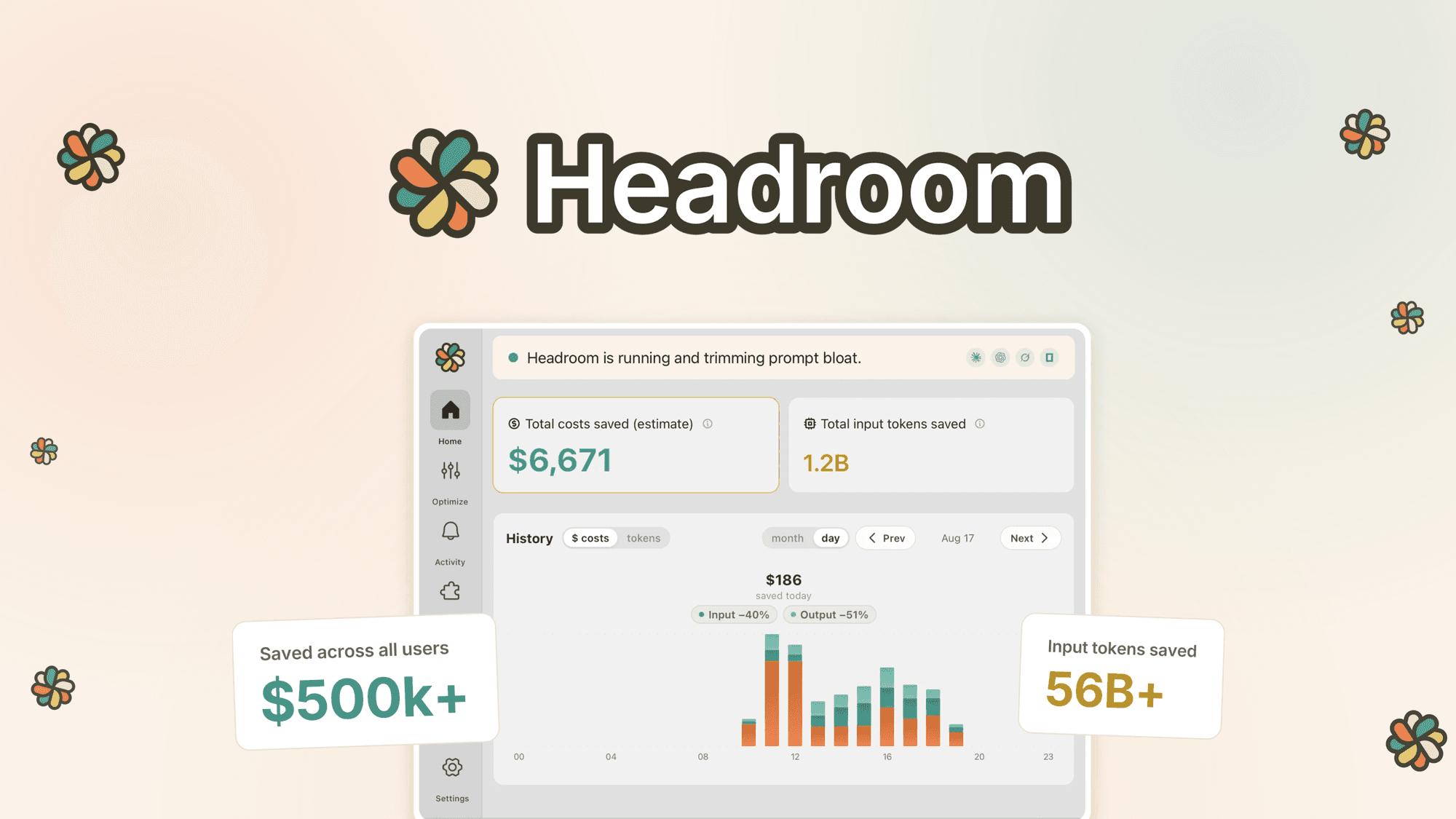
Headroom is a desktop app designed to reduce token usage for developers working with Claude Code or ChatGPT Codex. By locally compressing tool output and logs, it aims to cut overall session token usage by up to 50%. This could be a valuable tool if you're looking to optimise your AI plan's efficiency without altering model outputs.
Our Verdict on Headroom
Headroom offers a compelling solution for developers seeking to maximise their Claude Code or ChatGPT Codex plan usage by reducing token consumption. If your workflow heavily relies on these coding agents and you're looking for a local, privacy-focused optimisation tool, Headroom is worth considering. However, if you primarily use cloud-based agents or the main Claude/ChatGPT web interfaces, this app will not be compatible with your setup.
Who is Headroom Suited To?
Developers who frequently use Claude Code in terminals, VS Code, Cursor, Windsurf, JetBrains, or other compatible IDE extensions, and want to reduce token costs.
Users of ChatGPT Codex via the CLI, IDE extension, or the ChatGPT desktop app, particularly those working with data-heavy coding sessions.
Individuals with Claude Pro/Max or ChatGPT plans (including Codex) who want to extend their current plan's capacity without upgrading to a higher tier.
Headroom's Strengths for Developers
Local, on-device compression: Headroom runs as a local proxy, ensuring prompts and code are compressed on your machine before reaching the AI, which means data is not sent to Headroom servers.
Significant token savings: The app can reduce token usage on compressed items by approximately 50%, with overall session token usage potentially decreasing by 25-50%, and up to 80% on some days, allowing more usage from existing AI plans.
Broad compatibility with coding agents: It supports Claude Code in various environments and OpenAI Codex, including extensions in Cursor and Windsurf, and tools like Conductor, Pi, Cline, Roo Code, and Aider.
Considerations Before Choosing Headroom
Limited to specific coding agents: Headroom does not work with Cursor's or Windsurf's built-in agents, cloud agents like Replit, or the main Claude/ChatGPT web interfaces, requiring users to verify their specific tools.
Performance variability: Token savings can range from 25% to 80% and depend on factors such as programming language, coding style, data-heaviness, and the specific coding agent and model used.
License tier matching: Users must match their Headroom license tier to their highest AI plan (e.g., Claude Pro/Max, ChatGPT Plus/Pro), which means an additional cost consideration based on existing subscriptions.
Important Checks for Headroom Buyers
Verify your specific AI plan: Ensure you have a Claude Pro/Max plan, a ChatGPT plan that includes Codex, or an Anthropic/OpenAI API key, as free Claude accounts do not include Claude Code.
Confirm compatibility with your coding environment: Check if your primary coding agent (e.g., IDE extension, CLI tool) is explicitly supported by Headroom, as it does not work with all AI interfaces.
Understand the license tier requirements: Determine which Headroom tier aligns with your current AI subscriptions to ensure you purchase the correct license for full optimisation.
Consider the 14-day full optimisation period: Be aware that after 14 days, a weekly usage limit applies until you upgrade your Headroom license, which may impact long-term usage.
Assess your typical coding session data usage: Since savings vary, consider how data-heavy your coding style and projects are to estimate potential token reductions.
Questions about this find
Does Headroom work with all Claude and ChatGPT applications?
No, Headroom works with coding agents that run on your computer, such as Claude Code in terminals or IDE extensions, and ChatGPT Codex. It does not work with the Claude desktop app, Claude.ai in the browser, ChatGPT chat, Perplexity, or cloud agents like Replit.
What kind of token savings can I expect with Headroom?
Typical coding sessions may see savings between 25% and 50%, with potential highs of 80%. Actual performance varies based on factors like programming language, coding style, data volume, and the specific coding agent and model you are using.
Do I need a specific AI plan to use Headroom?
Yes, Headroom uses your existing Claude Code or Codex account. This requires a Claude Pro or Max plan, a ChatGPT plan that includes Codex, or an Anthropic or OpenAI API key. Free Claude accounts do not include Claude Code.
About this assessment
Our recommendation weighs the published details against likely buyer needs. It is based on source research, rather than personal testing. Confirm current pricing, availability and terms with the provider.
Read the current provider details.